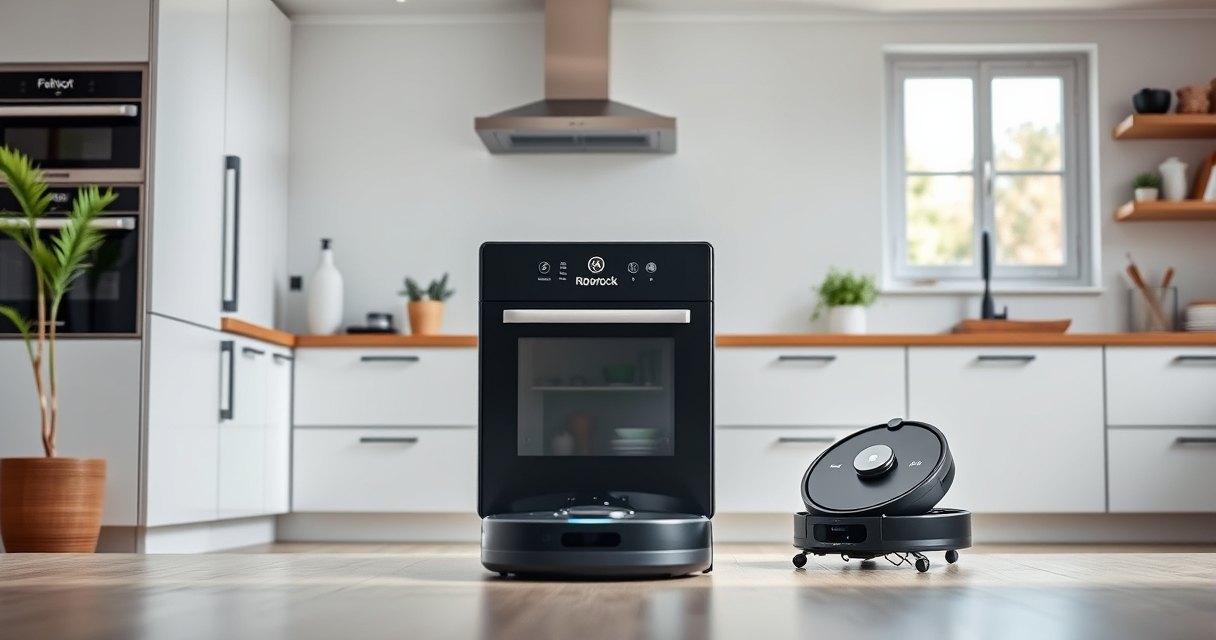
Maintaining your Roborock Q Revo ensures optimal performance and longevity. Regular cleaning of the vacuum’s components prevents clogs, improves suction, and extends its lifespan. This guide provides clear, step-by-step instructions to clean your device safely and effectively.

Get home appliances delivered free with Prime
- Fast, free delivery on millions of items
- Prime Video, Amazon Music and more included
- Member-only deals all year
Follow these instructions to keep your Roborock Q Revo operating at peak efficiency, whether it’s for routine maintenance or troubleshooting common issues.
Key Takeaways
| Routine Cleaning | Regularly clean the dustbin and filters for optimal suction. |
| Brush Maintenance | Remove and clean brushes to prevent tangling and improve performance. |
| Sensor & Navigation | Wipe sensors and LiDAR to ensure accurate navigation. |
| Deep Cleaning | Periodically perform a deep clean of all components for thorough maintenance. |
Gather Necessary Tools and Supplies
- Clean, dry microfiber cloths
- Small cleaning brush or toothbrush
- Replacement filters (if needed)
- Isopropyl alcohol or sensor-safe cleaner
Turn Off and Unplug the Roborock Q Revo
Before cleaning, ensure the robot is powered off and unplugged from any charging station to prevent accidental activation or damage.
Clean the Dustbin and Filters
- Remove the dustbin from the robot according to your model’s instructions.
- Dispose of the collected debris in the trash.
- Wash the dustbin with water and mild soap if it’s washable, then dry completely.
- Check the filters; if using a washable filter like the 4 Pack Washable Filter, rinse gently and let it dry thoroughly before reinserting.
Clean the Main Brush and Side Brushes
- Remove the main brush following your model’s removal method.
- Use a small brush or toothbrush to clear hair and debris from the brush and its bearings.
- Wash the brush with water if washable, then dry completely before reinstalling.
- Remove and clean the side brushes similarly, ensuring they spin freely.
Wipe Sensors and LiDAR
Use a microfiber cloth lightly dampened with isopropyl alcohol or sensor-safe cleaner to gently wipe the sensors and LiDAR. Avoid excessive moisture and abrasive materials.
Perform Deep Cleaning and Maintenance
Periodically, clean all accessible parts thoroughly and check for any wear or damage. Replace filters as recommended and ensure all components are dry before reassembling and powering on.
The Products in This Guide

roborock Q7 M5+ Robot Vacuum and Mop
- ✔ Self-Emptying: Yes
- ✔ Maximum Suction: 10000Pa
- ✔ Battery Life: Up to 9 weeks

4 Pack Washable Filter
- ✔ Pack Size: 4 filters
- ✔ Filter Type: HEPA
- ✔ Washable: Yes
roborock Q7 M5+ Robot Vacuum and Mop
<p>The Roborock Q7 M5+ Robot Vacuum and Mop offers impressive suction power and a self-emptying feature that significantly reduces manual maintenance. Its upgraded design from the Q5 Max+ provides up to 7-9 weeks of hands-free cleaning with a 2.7L sealed dust bag and 10,000Pa suction.</p>
Pros:
- Long-lasting self-emptying dust bag
- Powerful 10,000Pa suction
- Effective pet hair & carpet handling
- Dual anti-tangle system
Cons:
- Requires regular filter cleaning
- May need occasional brush maintenance
- Complex initial setup
Best for: Pets and large homes seeking minimal maintenance
Not ideal for: Small spaces or light cleaning needs
Bottom line: A highly capable robot vacuum ideal for busy households seeking low-maintenance cleaning.
4 Pack Washable Filter
<p>This 4-pack of washable HEPA filters ensures your Roborock Q7 and similar models maintain optimal air quality and suction. Easy to install and wash, these filters are a cost-effective way to keep your vacuum running efficiently.</p>
Pros:
- Cost-effective 4-pack
- Maintains high filtration efficiency
- Easy to clean and replace
- Compatible with multiple models
Cons:
- Not OEM, but performance matches original
- Regular washing required for best performance
- Filters can wear over time
Best for: Prolonged filter performance and cost savings
Not ideal for: Models outside the listed compatible list
Bottom line: A practical accessory to keep your vacuum’s filtration system in top shape.
Frequently Asked Questions
How often should I clean the dustbin and filters?
It’s recommended to empty the dustbin after each use and clean or replace filters every 1-3 months for optimal performance.
Can I wash the main brush?
Yes, if your model’s brush is washable, remove it and rinse with water. Make sure it is completely dry before reinstalling.
How do I reset the sensors after cleaning?
Simply wipe the sensors with a microfiber cloth dampened with alcohol, then power the device off and back on to reset them.
What should I do if the robot gets stuck or doesn’t navigate properly?
Clean the sensors and LiDAR, remove any tangled hair from brushes, and check for obstacles or debris blocking the sensors.
Keep Your Roborock Q Revo in Peak Condition
Regular cleaning and maintenance are key to ensuring your Roborock Q Revo continues to deliver powerful, efficient cleaning. Follow these steps routinely and replace consumables as needed to extend your device’s lifespan and keep your home spotless.
Affiliate disclosure: As an Amazon Associate we earn from qualifying purchases. Prices and availability are accurate as of the time of publishing.
NFL season / tailgating Picks
team gear
As an affiliate, we earn on qualifying purchases.