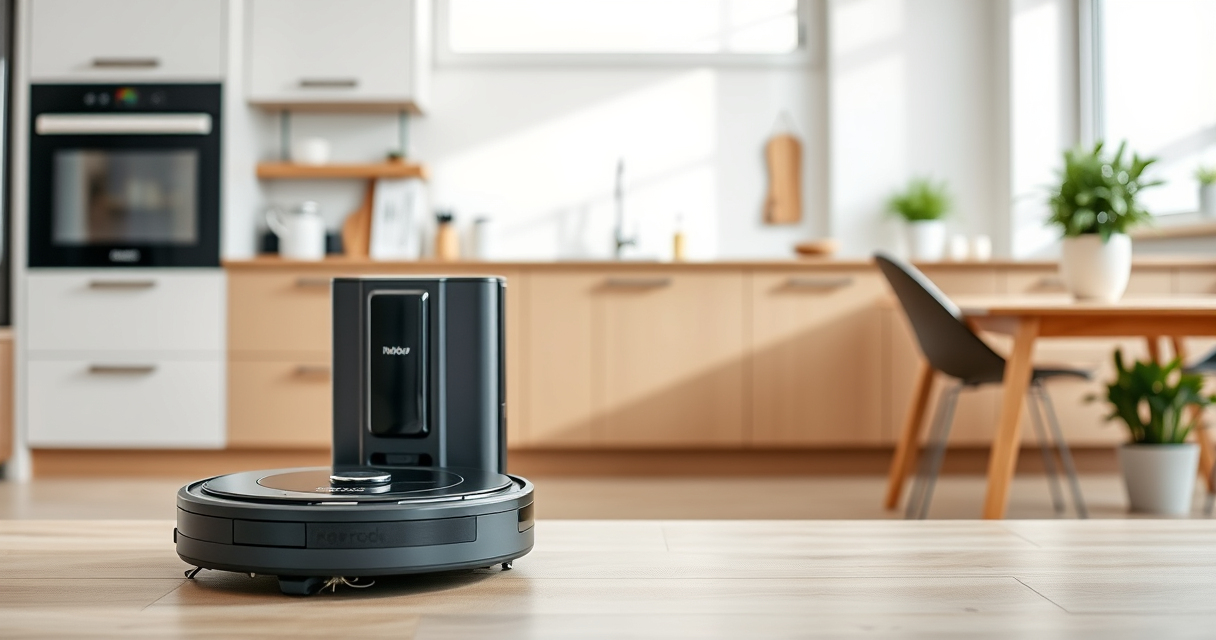
If your Roborock Q10 S5+ isn’t mopping as expected, it can be frustrating, especially given its advanced sonic mopping system. Often, the issue stems from simple setup or maintenance problems. This guide provides clear, safe steps to identify and fix common causes so your robot can resume effective mopping.

Get home appliances delivered free with Prime
- Fast, free delivery on millions of items
- Prime Video, Amazon Music and more included
- Member-only deals all year
Before diving into troubleshooting, ensure your robot is updated with the latest firmware and that the mop cloth is properly attached and clean. Let’s explore the typical causes and how to resolve them efficiently.
Key Takeaways
| Check Mop Cloth | Ensure the mop cloth is clean, properly installed, and compatible. |
| Inspect Water Tank | Verify the water tank has enough water and is properly seated. |
| Update Firmware | Firmware updates can fix bugs affecting mopping functions. |
| Clear Obstacles | Remove any obstructions or high-pile rugs that block mopping. |
| Reset Settings | Restore factory settings if other fixes don’t work. |
Check the Mop Cloth and Attachments
- Power off the robot and remove the mop cloth from the bottom.
- Inspect the cloth for dirt, debris, or wear. Wash if dirty.
- Ensure the cloth is properly aligned and securely attached to the mop plate.
Inspect the Water Tank and Water Flow
- Remove the water tank and check for blockages or leaks.
- Refill the tank with clean water, ensuring it’s seated correctly.
- Check the water flow nozzle for clogs and clean if necessary.
Update Firmware and Reset the Robot
- Open the Roborock app and check for firmware updates. Install if available.
- If updating doesn’t help, perform a factory reset via the app or the robot’s settings menu.
Clear Obstacles and Check Floor Compatibility
- Remove any high-pile rugs, cords, or objects that could block mopping.
- Ensure the floor surface is suitable for mopping, such as sealed hardwood or tile.
Test the Mopping Function
After completing the above steps, run a short mopping cycle to verify functionality. Watch for water dispersion and cloth movement. If issues persist, consider replacing the mop cloth or water tank components.
The Products in This Guide

roborock Q10 S5+ Robot Vacuum and Mop
- ✔ Model: Q10 S5+
- ✔ Water Tank: Integrated, refillable
- ✔ Dust Capacity: 2.7L bag, 70 days use

4 Pack Washable Filter
- ✔ Compatibility: Multiple Roborock models
- ✔ Type: Washable HEPA filter
- ✔ Pack: 4 pieces
roborock Q10 S5+ Robot Vacuum and Mop
The Roborock Q10 S5+ combines powerful suction with advanced sonic mopping, making it a versatile cleaning robot suitable for busy households and pet owners. Its self-emptying station minimizes maintenance, while obstacle avoidance and dual anti-tangle design ensure smooth operation.
Pros:
- Powerful 10,000 Pa suction
- Self-emptying station for 70 days
- Obstacle avoidance system
- Sonic mopping with auto mop lifting
Cons:
- Higher price point
- Requires regular mop cloth maintenance
- Complex setup for beginners
Best for: Homes needing combined vacuuming and mopping with minimal upkeep
Not ideal for: Users seeking a budget-friendly or purely vacuum-focused robot
Bottom line: A highly capable robot that offers both powerful vacuuming and advanced mopping with minimal manual intervention.
4 Pack Washable Filter
This washable filter set enhances your Roborock’s filtration efficiency and reduces ongoing costs. Compatible with multiple models including the Q7 and Q8 Max, it’s a smart upgrade for sustained performance.
Pros:
- Effective HEPA filtration
- Washable and reusable
- Easy to install
- Long-lasting
Cons:
- Requires regular cleaning
- Not OEM but compatible
- May need replacement every few months
Best for: Maintaining optimal air quality and filter efficiency
Not ideal for: Users preferring OEM parts or needing immediate replacements
Bottom line: A cost-effective solution to keep your vacuum’s filtration at peak performance.
Frequently Asked Questions
Why isn’t my Roborock mopping properly?
Check that the mop cloth is clean, properly attached, and that the water tank is filled and free of clogs. Firmware updates and obstacle removal can also improve mopping performance.
How often should I replace the mop cloth?
It is recommended to replace or wash the mop cloth every 1 to 3 months, depending on usage and floor conditions.
Can I use my Roborock on all floor types?
Roborock is suitable for sealed floors like tile, hardwood, and stone. Avoid using it on unsealed or high-pile carpets for mopping purposes.
How do I update the firmware?
Use the Roborock app to check for firmware updates in the device settings. Follow prompts to download and install the latest version.
Get Your Roborock Mopping Again with These Simple Fixes
By following these straightforward troubleshooting steps, you can resolve most common issues that prevent your Roborock Q10 S5+ from mopping effectively. Regular maintenance, firmware updates, and proper setup are key to ensuring your robot performs at its best. If problems persist, consider replacing worn parts like mop pads or filters to restore optimal cleaning performance.
Affiliate disclosure: As an Amazon Associate we earn from qualifying purchases. Prices and availability are accurate as of the time of publishing.
Halloween Picks
halloween
As an affiliate, we earn on qualifying purchases.