If your Dyson V15 Detect™ Origin cordless vacuum isn’t providing suction, it can hinder your cleaning efforts. This issue is common and often fixable with simple troubleshooting steps. Understanding the causes can help you restore your vacuum’s power quickly and safely.
Below, you’ll find practical, step-by-step guidance to identify the root of the problem and restore suction, ensuring your Dyson performs at its best.
Key Takeaways
| Clogged Filters | Filters can block airflow if dirty or clogged. |
| Blockages in Hose or Nozzle | Debris or hair can restrict airflow in the hose or cleaner head. |
| Full or Improperly Installed Bin | An overfilled or improperly seated bin can reduce suction. |
| Motor or Battery Issues | Motor problems or low battery may cause power loss. |

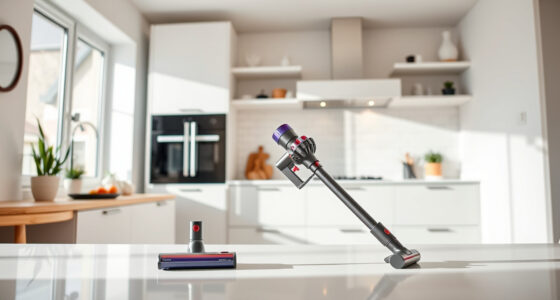
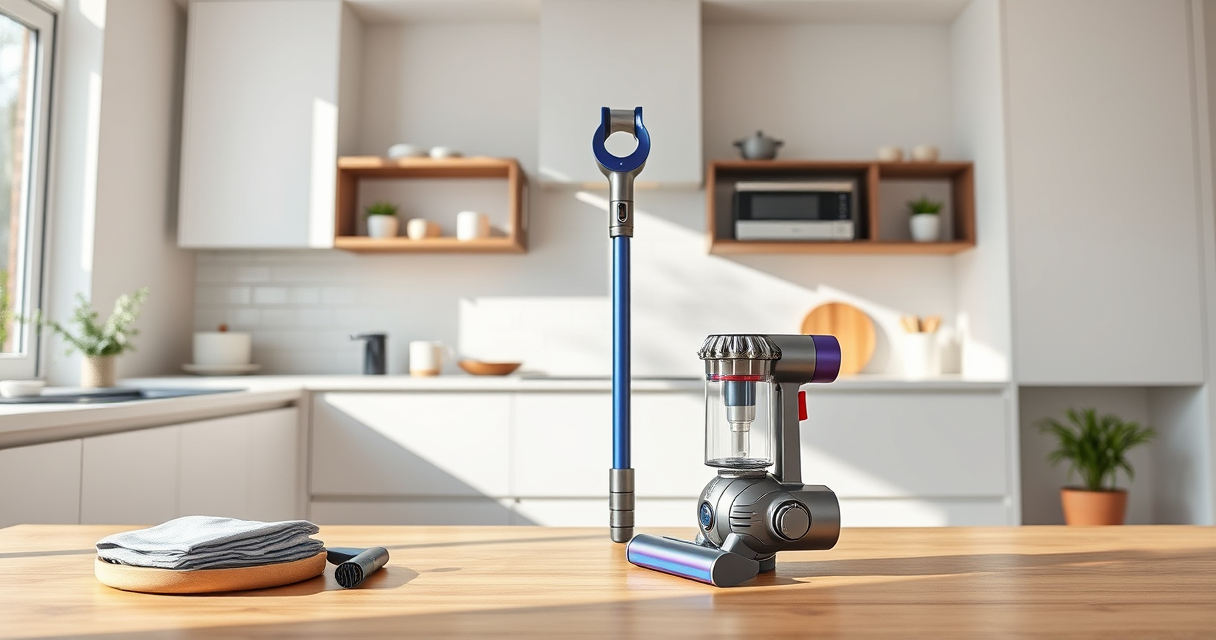
Dyson V15 Detect™ Origin Cordless Vacuum
- Deep cleaning with intelligent dust detection: Reveals invisible dust for thorough cleaning
- Enhanced power and runtime: 100% more power, 60-minute battery life
- Energy-efficient power trigger: Uses power only when needed
As an affiliate, we earn on qualifying purchases.
Check and Clean the Filters
- Remove the pre-filters from your Dyson vacuum, following the instructions in your user manual.
- Rinse the filters thoroughly with water, ensuring no dirt remains.
- Allow the filters to air dry completely, usually 24 hours, before reinstalling.
- Reassemble the filters and test the vacuum’s suction.

LANMU Crevice Tool Vacuum Attachments Compatible with Dyson V15 V12 V11 V10 V9 V8 V7 Gen5 Outsize Vacuum Cleaner, Narrow Nozzel Replacement Parts for Hard-to-Reach Space
- Wide Compatibility: Compatible with various Dyson models
- Slim and Flexible Design: Narrow nozzle for hard-to-reach areas
- Versatile Applications: Ideal for cleaning sofas, car seats, and vents
As an affiliate, we earn on qualifying purchases.
Inspect the Vacuum Bin and Seal
- Empty the bin if it’s full or nearly full, as a full bin can restrict airflow.
- Ensure the bin is correctly seated and sealed tightly into the vacuum body.
- Check for any cracks or damage that might cause leaks or reduce suction.
Clear Blockages in Hose and Cleaner Head
- Detach the hose and inspect for debris, hair, or blockages.
- Remove any obstructions carefully, using a long, flexible tool if necessary.
- Check the cleaner head (Digital Motorbar or Fluffy Optic) for debris buildup and clear it.
Verify Power and Battery
- Ensure the vacuum is charged fully; a low battery can cause reduced suction.
- Test the power trigger; it should click into place and activate the motor fully.
- If power issues persist, consider contacting Dyson support for further diagnostics.
Additional Tips and Precautions
- Always turn off and unplug your vacuum before servicing or inspecting parts.
- Use the recommended filters and accessories for your Dyson model.
- Regular maintenance prevents most suction problems and extends the vacuum’s lifespan.
The Products in This Guide

Dyson V15 Detect™ Origin Cordless Vacuum
- ✔ Run Time: 60 minutes
- ✔ Weight: 6.8 lbs
- ✔ Filter Type: Advanced filtration

LANMU Crevice Tool Vacuum Attachments Compatible
- ✔ Weight: Approx 0.3 lbs
- ✔ Compatibility: Multiple Dyson models
- ✔ Material: Plastic
Dyson V15 Detect™ Origin Cordless Vacuum
The Dyson V15 Detect™ Origin offers powerful suction, intelligent debris detection, and a variety of cleaning modes, making it a top choice for whole-home cleaning. Regular maintenance is key to maintaining its suction power.
Pros:
- Powerful and efficient cleaning
- Intelligent debris detection
- Long battery life
- Versatile with multiple heads
Cons:
- Can be heavy for some users
- Requires routine filter cleaning
- Price is premium
Best for: Homeowners seeking deep, efficient cleaning across all floor types
Not ideal for: Users looking for a lightweight or budget-friendly option
Bottom line: A powerful, intelligent vacuum ideal for comprehensive home cleaning.
LANMU Crevice Tool Vacuum Attachments Compatible
The LANMU Crevice Tool Vacuum Attachments is compatible with Dyson V15 and other models, designed to reach into tight corners, between cushions, and into car interiors for thorough cleaning.
Pros:
- Narrow, flexible nozzle
- Easy to attach and use
- Effective in tight spaces
- Suitable for various surfaces
Cons:
- May be too slim for larger debris
- Requires proper attachment for stability
- Compatibility limited to certain Dyson models
Best for: Cleaning narrow gaps, corners, and detailed areas
Not ideal for: Heavy debris removal or large surface cleaning
Bottom line: A practical attachment to improve your Dyson’s reach and precision.
Frequently Asked Questions
Why does my Dyson vacuum have no suction?
Common causes include clogged filters, blockages in the hose or nozzle, full or improperly seated bin, or battery issues. Follow the troubleshooting steps to identify and fix the problem.
How often should I clean the filters?
It’s recommended to rinse the filters every 1-3 months and allow them to air dry completely before reusing. Replace filters as needed based on performance.
What should I do if cleaning doesn’t restore suction?
If cleaning the filters and clearing blockages don’t help, contact Dyson support for further diagnostics or consider professional servicing.
Keep Your Dyson Powerhouse Running Smoothly
Regular maintenance of filters, bin, and attachments is essential to keep your Dyson cordless vacuum performing at its best. By following these troubleshooting steps, you can resolve most suction issues safely and efficiently, ensuring your home stays clean and dust-free.
Affiliate disclosure: As an Amazon Associate we earn from qualifying purchases. Prices and availability are accurate as of the time of publishing.